Talk OS
Wispr Flow proved to me that talking beats typing. It also charged £15 a month and capped the free tier at 2,000 words a week, which for someone who narrates everything is about a day and a half. Talk OS is my answer: the same hold a key, speak, get clean text experience, running entirely on my own machine. No subscription, no word cap, and nothing I say ever leaves the laptop.
The addiction, quantified
The decision to build was made by the data. In my heaviest week I dictated 5,022 words through Wispr Flow, two and a half times the free tier's 2,000 word cap, spread across 129 separate dictations. I speak at about 120 words a minute when dictating, roughly three times faster than I type. And 86 percent of everything I dictated went into one app: my AI assistant. Talking to machines had become how I work, and paying £15 a month to keep doing it made less sense than building my own. Talk OS logged its first 78 dictations within a week of existing.
How it works
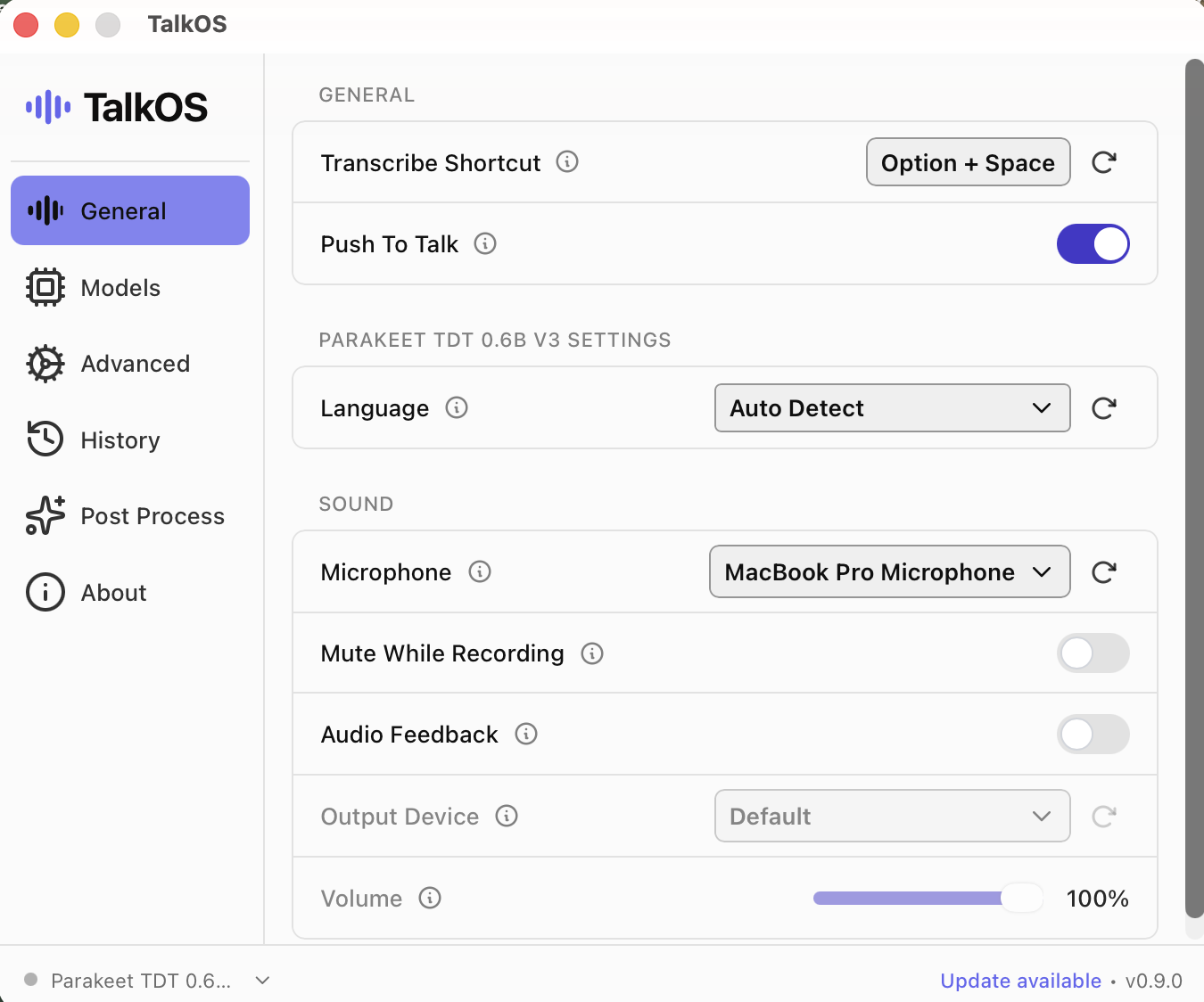
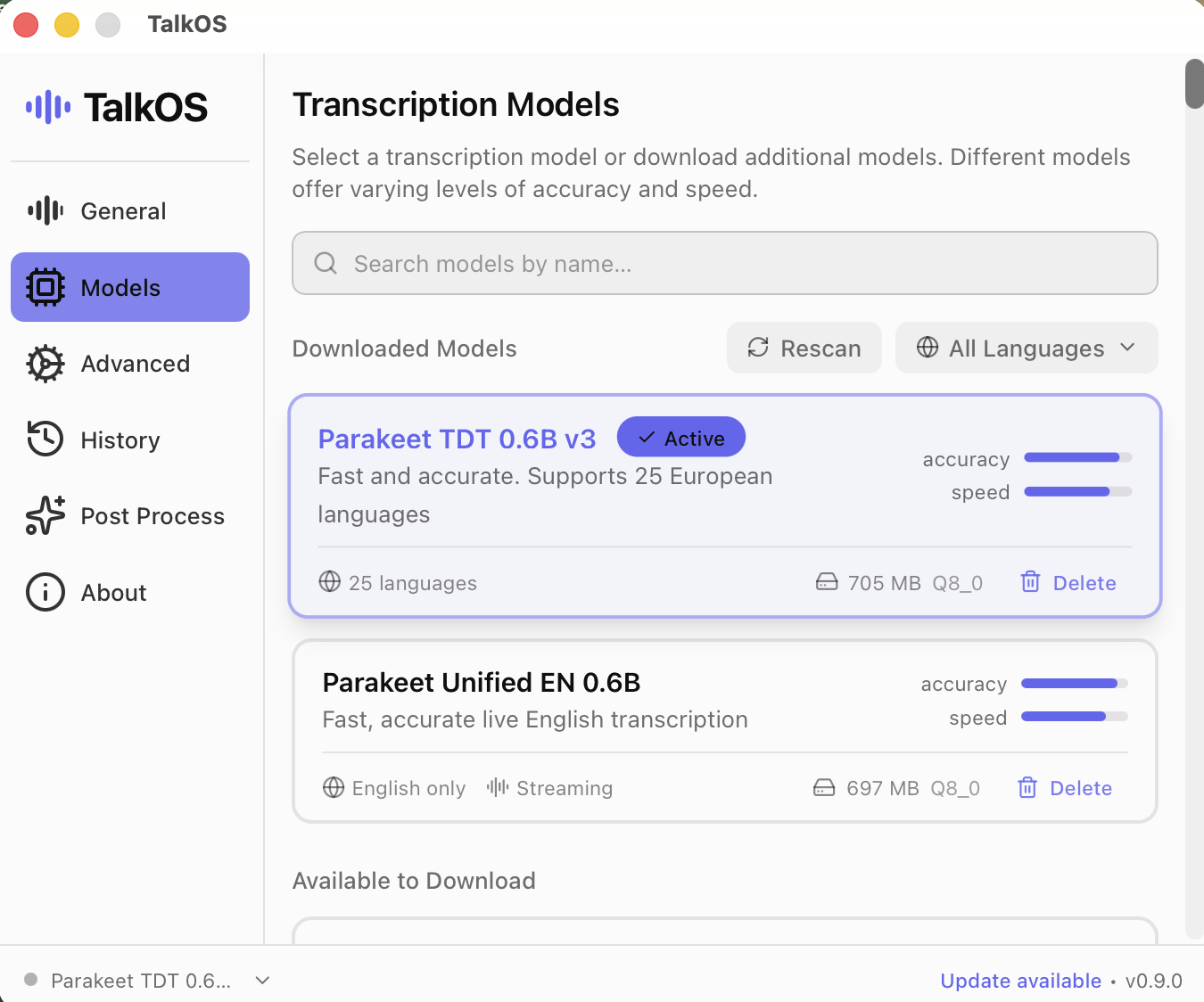
Hold Option + Space anywhere on the Mac and talk. A voice activity detector (Silero VAD) trims the silence, and the audio goes to a speech model running locally: NVIDIA's Parakeet TDT 0.6B v3, a 705 MB quantised model that covers 25 European languages and is fast enough to feel instant. The transcript is typed straight into whatever app has focus: my editor, the browser, Slack, anywhere text goes. It lives in the menu bar and stays out of the way.
The rewrite pass
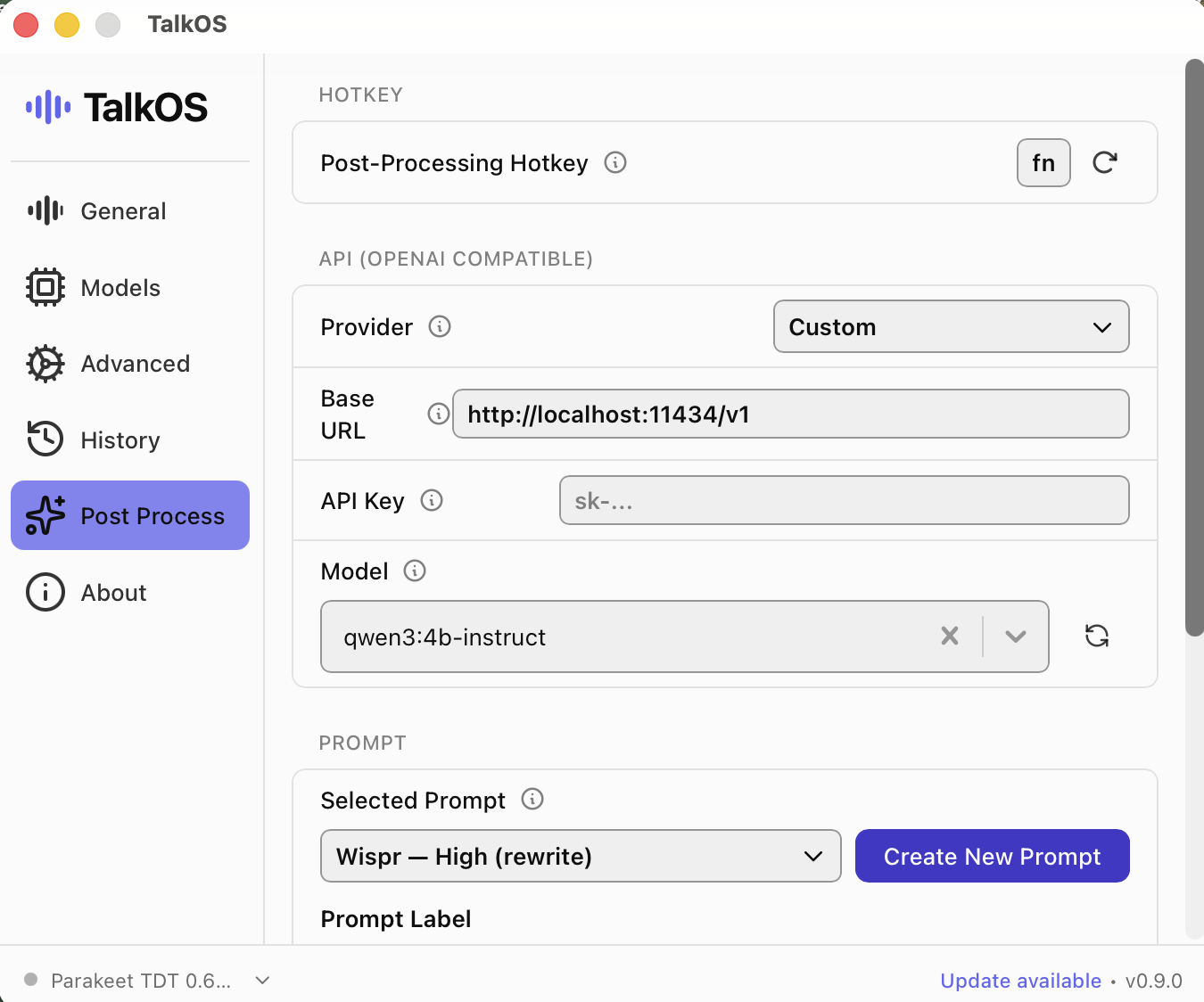
Raw transcription is never quite writing. So there is a second hotkey: press fn and the transcript takes a detour through a local LLM (qwen3 4b instruct, served by Ollama through an OpenAI compatible API on localhost) with a custom rewrite prompt that cleans the rambling into prose. That is the part of Wispr Flow people actually pay for, replicated with a 4 billion parameter model running on my own hardware.
Fully local, by design
Every stage of the pipeline, from voice detection to transcription to the rewrite, runs on the machine. The base URL in the settings points at localhost, not at someone's cloud. That means it works on a plane, it costs nothing per word, and my voice never becomes training data. The whole thing is the systems idea from my About page made concrete: build the loop once, and the loop does the work.